Introduction
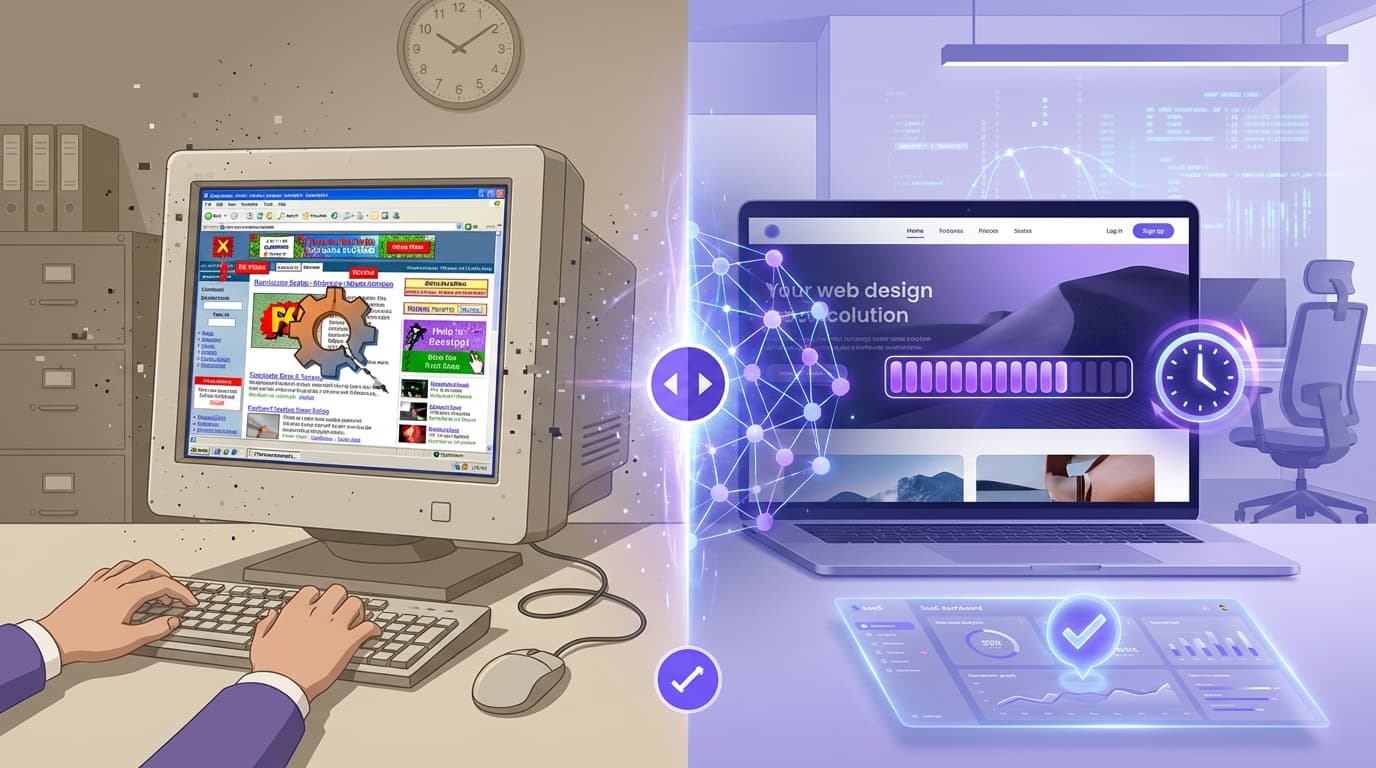
You have exactly 0.05 seconds to make a first impression online. If your website looks like it was built in 2010, potential customers aren't just judging your design—they are judging your credibility. An outdated website isn't just an aesthetic problem; it is a financial leak draining your revenue, lowering your search rankings, and handing market share to competitors with sleeker, faster sites.
For years, the solution to a "website makeover" involved hiring expensive agencies, waiting months for mockups, and spending thousands of dollars. But the landscape has shifted. AI website reconstruction has emerged as a game-changer, allowing business owners and agencies to modernise websites in mere seconds, not months.
In this guide, we will explore why your legacy site is hurting your bottom line and how new tools like WebFaceLift are using artificial intelligence to scrape, analyze, and rebuild your digital presence instantly.
TL;DR Summary:
- The Problem: Outdated sites destroy trust, hurt SEO, and lower conversion rates.
- The Solution: AI tools can now "read" your old site and generate a modern blueprint in ~30 seconds.
- The Benefit: Agencies can pitch faster, and business owners can visualize a redesign without upfront costs.
- The Tech: Platforms like WebFaceLift use Claude AI to analyze content and output clean, component-based designs.
The Silent Sales Killer: Why Outdated Websites Fail
Before we look at how to fix your site, we need to understand the specific mechanisms by which an old site costs you money. It goes beyond "looking ugly."
1. The Trust Deficit
Stanford University research confirms that 75% of users admit to making judgments about a company’s credibility based on their website’s design. If your site features cluttered navigation, low-resolution images, or non-responsive layouts, users assume your business is equally disorganized.
2. Mobile Incompatibility
Google operates on "mobile-first indexing." This means Google predominantly uses the mobile version of the content for indexing and ranking. If your site requires "pinching and zooming" on a smartphone, you are virtually invisible in modern search results.
3. Poor User Experience (UX) Friction
Modern users expect intuitive flow. They expect a clear hero section, accessible service breakdowns, and obvious calls to action (CTAs). Legacy sites often bury this information in walls of text.
Pro Tip: Check your website's "Bounce Rate" in Google Analytics. If it’s over 70%, users are landing on your site and leaving immediately without interacting. This is a primary signal that your design is failing.
What is AI Website Reconstruction?
AI website reconstruction is the process of using artificial intelligence to analyze an existing URL, scrape its content (text, images, and structure), and automatically generate a fully modernized design blueprint.
Unlike standard "AI website builders" where you start from scratch with a prompt, reconstruction tools focus on modernising existing assets.
How It Works
- Scraping: The AI reads the live URL, extracting services, testimonials, contact info, and branding.
- Analysis: Large Language Models (LLMs) like Claude AI analyze the context. It understands that "About Us" belongs in a specific component and that a list of prices should be formatted as a pricing table.
- Generation: The AI maps this content into modern UI components (Hero, Gallery, FAQ) and applies a cohesive design system.
How to Modernise Your Website in 30 Seconds
The traditional web design process takes 12-14 weeks. With tools like WebFaceLift, the initial design phase is compressed into half a minute. Here is the workflow that is changing the industry.
Step 1: The Input
You simply paste your current website URL into the platform. No code access or login credentials for the old site are required.
Step 2: The AI Analysis
The system scrapes the site. This is crucial because the biggest bottleneck in web design is usually content migration. Business owners hate rewriting copy. An AI web design tool solves this by carrying over your existing value proposition but presenting it in a modern format.
Step 3: Instant Visualization
Within approximately 30 seconds, you are presented with a completely reconstructed site.
- Structure: A messy homepage is reorganized into logical sections (Hero -> Social Proof -> Services -> CTA).
- Visuals: Styles are applied automatically.
- Responsiveness: The new layout is natively mobile-friendly.
Step 4: Conversational Refinement
This is where the "AI" aspect truly shines. Instead of dragging and dropping pixels, you chat with the interface.
- "Make the design more vibrant."
- "Change the hero section to a video background."
- "Add a contact form to the footer."
Pro Tip: Use specific prompts when refining. Instead of saying "make it better," try "change the design style to 'Glass' for a modern, tech-forward look."
For Agencies and Freelancers: The Ultimate Pitch Hack
If you are a web developer or run a digital agency, the website makeover pitch is often the hardest to close. Clients struggle to visualize what you can do for them. They fear paying a deposit and hating the result.
The "Show, Don't Tell" Strategy
Using an automated web design tool fundamentally changes your sales process.
- Pre-Meeting Prep: Before meeting a potential client, run their URL through WebFaceLift.
- The Reveal: Instead of showing them a generic portfolio of other people's sites, show them their own site reimagined.
- Live Edits: When the client says, "I wish it were more minimalist," you can switch the style to 'Minimal' instantly in front of them.
Exporting for Production
The value doesn't stop at the visual. Advanced platforms allow you to export the reconstructed site as component-based JSON. This means developers can take the AI-generated blueprint and integrate it into their preferred tech stack, saving hours of wireframing time.
Key Features to Look for in AI Web Design Tools
Not all AI tools are created equal. To ensure you are getting a high-quality outdated website fix, look for these specific capabilities:
1. Niche-Specific Templates
A medical clinic needs a different structure than a surf shop. The AI should recognize the industry. WebFaceLift, for example, offers templates specifically for fitness, water sports, medical, and restaurants, ensuring the layout matches user expectations for that sector.
2. Component Variety
A modern site is built on components. Ensure the tool supports:
- Hero Sections: High impact headers.
- Testimonial Sliders: Crucial for social proof.
- Pricing Tables: Clear value comparison.
- FAQ Accordions: Good for SEO and user experience.
3. Design Systems, Not Just Templates
Look for style flexibility. You should be able to toggle between:
- Glass: Modern, translucent elements (great for SaaS).
- Bold: High contrast, strong typography (great for agencies).
- Minimal: ample whitespace (great for luxury brands).
- Vibrant: High energy (great for lifestyle brands).
Real-World Scenarios: Before and After
Let's look at how redesigning a website with AI impacts specific business types.
Case Study A: The Local Restaurant
- The Old Site: A PDF menu that users have to download, tiny text, and no reservation button.
- The AI Fix: The AI scrapes the PDF text and converts it into a responsive "Menu" component. It adds a "Book a Table" CTA in the sticky header. The style is set to "Vibrant" to showcase food photography.
- Result: Friction is removed; mobile bookings increase.
Case Study B: The Medical Practice
- The Old Site: cluttered sidebar, outdated copyright date, difficult to find the phone number.
- The AI Fix: The design is switched to "Clean/Medical." The phone number and "Book Appointment" button are moved to the top right (standard convention). Trust signals (doctor accreditations) are pulled from the text and placed in a "Team" component.
- Result: Immediate increase in patient trust and appointment requests.
5 Signs You Need a Website Facelift Immediately
If you are unsure if your site qualifies as "outdated," check against this list. If you hit more than two, you need a website facelift.
- The Copyright Date is Old: If your footer says "© 2018," you are telling customers you are no longer in business.
- It Uses Flash: Adobe killed Flash years ago. If your site relies on it, it’s broken for 99% of users.
- Slow Load Times: If it takes more than 3 seconds to load, you have lost 40% of your traffic.
- Tiny Text on Mobile: If users have to zoom in to read your phone number, your UX is failing.
- No Clear CTA: If a user lands on your homepage and doesn't know what to do next within 5 seconds, the design is flawed.
Pro Tip: Modern design isn't just about looks; it's about conversion. A pretty site that doesn't direct users to a "Buy" or "Contact" button is just digital art, not a business asset.
Frequently Asked Questions
Q: Will AI website reconstruction delete my current website?
No. Tools like WebFaceLift work by scraping your public URL to create a new design blueprint. Your live site remains untouched until you decide to implement the new design on your hosting server.
Q: Can the AI write new content for me?
Yes. While the primary goal is to structure your existing content, the integration of LLMs (like Claude AI) means the tool can expand on bullet points, rewrite headlines for better SEO, and generate new descriptions to fill design gaps.
Q: Is the code generated by AI clean and usable?
Modern AI tools export component-based JSON or clean HTML/CSS structures. This is far superior to the "spaghetti code" generated by old drag-and-drop builders. Developers can easily use this output as a foundation for the final build.
Q: How much time does an AI redesign actually save?
For a standard 5-page brochure site, AI reconstruction can save 20-40 hours of wireframing, copywriting, and initial design time. It turns a multi-week project into a multi-day project.
Key Takeaways
- Speed is Currency: An outdated website costs you credibility and customers every second it remains live.
- AI is the Architect: AI website redesign tools don't just "paint" over your site; they reconstruct the architecture for modern best practices.
- Content Preservation: The biggest advantage of reconstruction tools is their ability to scrape and reuse your existing hard-earned content.
- Visual Pitching: For agencies, generating a high-fidelity mockup in 30 seconds is the most powerful sales tool available in 2026.
- Customization: With chat-based refinement and distinct style systems (Glass, Bold, Minimal), AI design is no longer generic.
Conclusion
The era of tolerating an outdated website because a redesign is "too expensive" or "too time-consuming" is over. AI website reconstruction has democratized high-end web design, making it accessible to any business owner with a URL and 30 seconds to spare.
Whether you are a freelancer looking to speed up your workflow or a business owner tired of losing sales to competitors with better sites, the technology now exists to solve the problem instantly. Tools like WebFaceLift are leading this charge, turning the daunting task of a website makeover into a seamless, automated process. Don't let a 2010 website hold back a 2026 business.
Ready to Modernise Your Website?
WebFaceLift transforms any outdated website into a modern design in 30 seconds. Paste a URL, get a complete redesign powered by AI.
Try free — no account required.
Try WebFaceLift Free | Built by HansenDev