Introduction
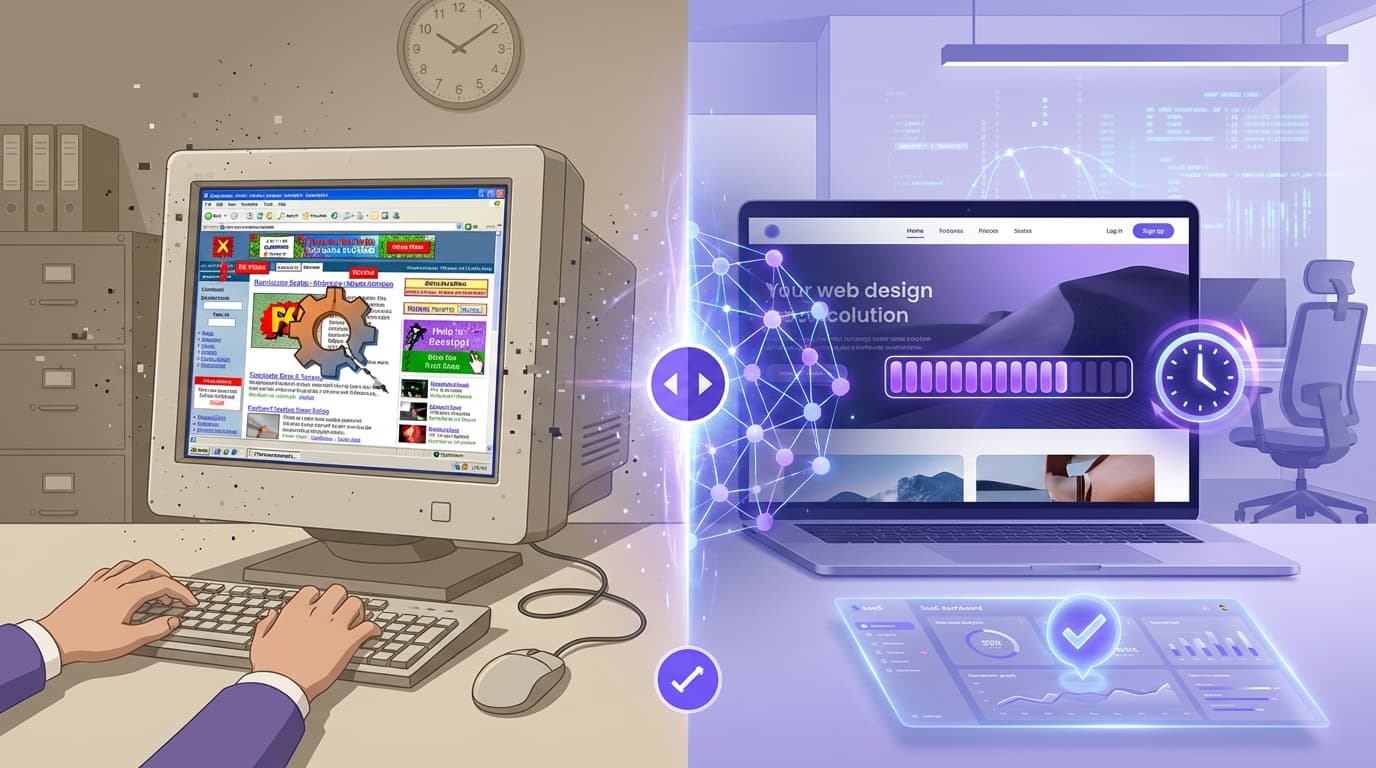
The hardest part of selling a website makeover isn't the coding or the SEO strategy—it's the client's imagination gap. You know their site is hurting their business, but they can't visualize how a modern version would look. In the past, bridging this gap required hours of unpaid "spec work" to create mockups that might get rejected.
That era is over.
With the rise of AI website redesign technology, freelancers and agencies can now generate comprehensive, modern website concepts in under 30 seconds. By leveraging tools like WebFaceLift, you can walk into a pitch meeting (or a Zoom call) not just with a promise, but with a fully realized visual blueprint of your client's future.
This guide explores how to leverage AI website reconstruction to drastically shorten your sales cycle, impress clients instantly, and scale your web design business.
TL;DR: Executive Summary
- The Problem: Clients struggle to visualize new designs, and manual mockups take too long.
- The Solution: AI tools scrape existing content and generate modern redesigns in seconds.
- The Workflow: Paste URL -> AI Analysis -> Real-time Refinement -> Export.
- The Benefit: Higher conversion rates on pitches and zero wasted hours on rejected concepts.
The "Spec Work" Dilemma: Why Old Pitching Methods Fail
For decades, digital agencies and freelancers have been stuck in a catch-22. To win a high-value contract to modernise a website, you often need to show the client what you can do.
However, creating a high-fidelity mockup using Figma or Adobe XD takes time—time you aren't getting paid for.
The Hidden Costs of Traditional Pitching
- Unbillable Hours: Spending 5-10 hours on a design concept for a lead that might ghost you.
- Generic Templates: relying on stock themes that don't use the client's actual copy or images, making the pitch feel impersonal.
- The "Blank Page" Paralysis: Clients often say, "I'll know what I like when I see it," which is a nightmare for designers starting from scratch.
Pro Tip: Never present a "Lorem Ipsum" design to a business owner. They get distracted by the filler text and miss the design structure. AI tools solve this by scraping and using their actual current content.
What is AI Website Reconstruction?
Before diving into the workflow, it is crucial to understand the technology. AI website reconstruction is distinct from standard AI website builders.
What is AI website reconstruction? AI website reconstruction is a process where artificial intelligence scrapes an existing URL, analyzes the content structure and brand imagery, and automatically regenerates a modern, responsive layout. Unlike standard builders that start from scratch, reconstruction tools preserve the business's core identity while upgrading the UI/UX.
How WebFaceLift Powers the Process
WebFaceLift, built by HansenDev, utilizes advanced LLMs (like Claude AI) to understand the context of a website. It doesn't just move boxes around; it understands that a "Menu" page for a restaurant needs a different layout than a "Services" page for a plumber.
- Content Extraction: It pulls images, headlines, and body text.
- Semantic Analysis: Claude AI determines the industry and tone.
- Blueprint Generation: It maps the old content into modern components (Hero, Testimonials, Pricing, etc.).
How to Pitch a Redesign in 4 Steps (The AI Workflow)
Here is the exact workflow savvy agencies are using to close deals faster using an AI web design tool.
Step 1: The "Shock and Awe" Demo
Don't tell the client you can fix their site. Show them.
Before your meeting, simply paste their current URL into the platform. In approximately 30 seconds, the AI will scrape the site and generate a complete website makeover.
- Why this works: You are presenting a solution before they even articulate the problem. You are showing initiative and capability instantly.
Step 2: Live Refinement (The Collaborative Close)
This is where the magic happens. Instead of taking notes and saying, "I'll come back to you in a week," you can refine the design with the client in real-time.
WebFaceLift allows you to chat with the AI to make adjustments.
- Client: "I think it looks a bit too corporate."
- You (typing to AI): "Make the design more vibrant and playful."
- Result: The design updates instantly.
Pro Tip: Use the "Glass" or "Vibrant" design styles for creative industries, and "Minimal" or "Bold" for corporate or legal clients. Showing you can pivot styles instantly builds massive trust.
Step 3: Niche-Specific Customization
An outdated website fix isn't just about colors; it's about structure.
If you are pitching to a local Brisbane café or a Sydney-based physio, generic layouts won't work. AI platforms now offer niche-specific templates. By selecting "Medical" or "Restaurant," the AI ensures the reconstructed site includes the correct components, such as:
- Medical: Appointment booking integration points, staff credentials, patient FAQ.
- Hospitality: Menu grids, gallery sliders, location maps.
Step 4: The Export and Handoff
Once the client is excited, you need to transition from "pretty picture" to "billable project."
WebFaceLift generates a component-based JSON output. This isn't just a flat image; it is structured data regarding the layout, text, and component hierarchy. You can export this blueprint to jumpstart the actual development process, saving your developers the headache of setting up the initial page structure.
Why This Strategy Wins More Clients
1. Visual Proof of Competence (E-E-A-T)
In the eyes of Google and clients, Experience and Expertise matter. By showing a redesign website with AI concept that uses their actual data, you demonstrate that you understand their business. You aren't guessing; you are improving what already exists.
2. Speed Kills (The Competition)
While your competitor is sending a PDF proposal with a quote and a promise, you are sending a live link to a demo of what their new site looks like. Speed creates momentum. The client feels like the project is already moving forward.
3. Reducing Friction
The biggest friction point in web design is content collection. Clients hate writing copy. By using an automated web design tool that scrapes their existing content, you reassure them that they won't have to start from square one. You can promise to "polish" their existing content rather than demanding they write 2,000 new words.
Case Study Scenarios
To illustrate the power of this workflow, let's look at two hypothetical scenarios relevant to the modern market.
Scenario A: The Freelancer vs. The Local Gym
The Situation: A freelancer wants to pitch a website facelift to a local gym with a site from 2014. The site is non-responsive and looks terrible on mobile. The Old Way: The freelancer emails the owner, offering a redesign. No reply. The AI Way: The freelancer uses WebFaceLift to reconstruct the gym's site using the "Bold" style. They send an email: "Hi, I noticed your site isn't mobile-friendly. I took the liberty of generating a mockup of what it could look like—check it out here. No obligation, just wanted to show you the potential." The Outcome: The owner clicks, sees their actual gym photos in a modern layout, and books a call.
Scenario B: The Agency vs. The Corporate Firm
The Situation: An agency is pitching a high-ticket retainer to a law firm. The Old Way: Three weeks of meetings and static wireframes. The AI Way: During the first discovery call, the agency pulls up the AI tool. They demonstrate 3 different aesthetic directions (Minimal, Glass, Corporate) in 5 minutes. The partners at the firm feel involved in the process immediately.
Best Practices for AI-Assisted Redesigns
While tools like WebFaceLift are powerful, they are tools to aid your expertise, not replace it.
Don't Skip the Human Review
AI is brilliant at structure, but humans are brilliant at nuance. Always review the AI-generated copy. While Claude AI is sophisticated, ensure the tone matches the brand voice perfectly.
Use the "Expert Insights" Approach
When presenting the AI design, frame it correctly.
- Don't say: "The computer made this."
- Do say: "I used our proprietary modeling software to generate a structural blueprint based on your current content."
Focus on Mobile Responsiveness
Most outdated sites fail on mobile. Emphasize that the AI website builder technology automatically prioritizes mobile-first indexing, solving a major SEO pain point for the client immediately.
Pro Tip: When pitching, always show the mobile view of the redesign first. 60% of web traffic is mobile; this is usually the client's biggest pain point.
Frequently Asked Questions
Q: Does AI website reconstruction affect SEO?
A: Properly handled, it improves SEO. The AI reconstruction focuses on modernizing the code structure and improving user experience (UX), which are ranking factors. However, you should always review the text content to ensure high-value keywords are retained during the transition.
Q: Can I edit the design after the AI generates it?
A: Yes. Platforms like WebFaceLift allow for real-time chat interaction. You can instruct the AI to change colors, swap component positions (e.g., "move testimonials above the contact form"), or change the overall style theme instantly.
Q: Is this suitable for e-commerce websites?
A: Absolutely. The AI can identify product sections and reconstruct them into modern grids or carousels. While the backend checkout logic requires separate development, the visual front-end pitching process works perfectly for e-commerce stores.
Q: Do I need to know how to code to use these tools?
A: No coding is required to generate the design. The tool is designed for visual impact. However, the JSON export feature is highly valuable for developers who want to take that design and turn it into a fully functional custom website.
Q: Is the content generated by the AI unique?
A: The layout is unique to the specific combination of components and styles you choose. The text content is derived from the original source URL but analyzed and often improved by LLMs like Claude to ensure it reads better and fits modern design standards.
Key Takeaways
- Speed Wins: Use AI to generate full website concepts in 30 seconds, allowing you to pitch instantly rather than waiting days.
- Visuals Sell: Clients buy what they can see. Using their actual content in a modern layout removes the "imagination gap."
- Interactive Pitching: Use real-time chat features to refine the design during the meeting, making the client feel like a collaborator.
- Exportable Data: Move beyond static images by exporting component-based JSON to speed up the actual development build.
- Niche Templates: Leverage industry-specific templates (medical, fitness, etc.) to ensure the redesign fits the business logic.
Conclusion
The landscape of web design sales is shifting. The agencies and freelancers who cling to manual, time-consuming mockups for every lead will struggle to compete with those leveraging AI website redesign technology. By using tools like WebFaceLift, you aren't just saving time; you are fundamentally changing the sales dynamic from "trust me" to "look at this."
Whether you are looking to fix an outdated website for a small business or pitch a massive overhaul for a corporate client, AI reconstruction provides the visual bridge that turns skeptical leads into paying clients. The future of web design isn't just about writing code; it's about communicating value instantly.
Ready to Modernise Your Website?
WebFaceLift transforms any outdated website into a modern design in 30 seconds. Paste a URL, get a complete redesign powered by AI.
Try free — no account required.
Try WebFaceLift Free | Built by HansenDev