Introduction
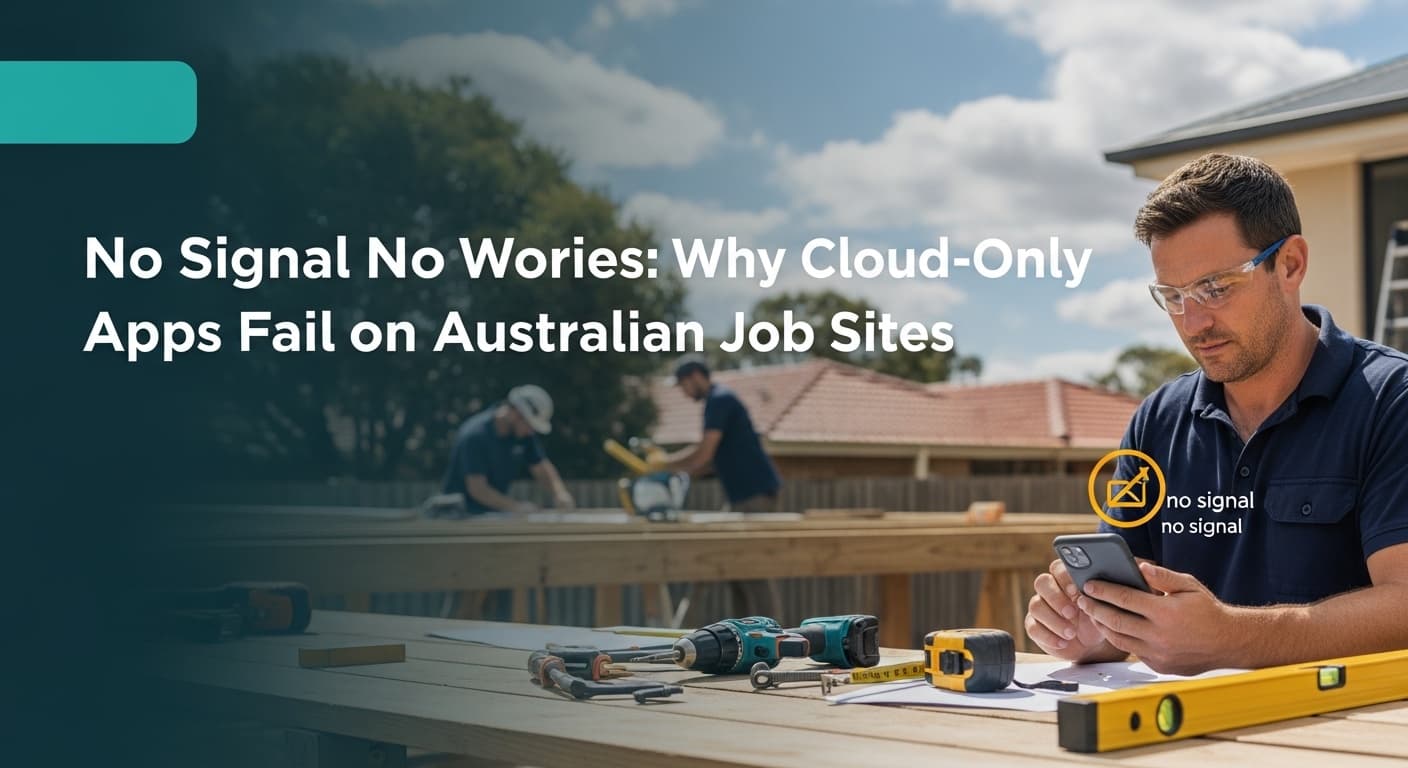
Picture this: You’ve just finished measuring up a massive deck job in a new housing estate on the fringe of town. The client is standing right there, wallet practically in hand, asking for a price. You pull out your phone to generate the estimate, and... nothing. One bar of 3G. The loading spinner just keeps spinning.
It’s a nightmare scenario for any Australian tradie. In a country as vast as ours, reliable internet coverage isn't a guarantee—it's a luxury. Relying on cloud-only software can leave you looking unprofessional and wasting hours of admin time back at home.
This is why a robust tradie quoting app with offline capabilities is non-negotiable for modern businesses. In this guide, we’ll break down why cloud-only apps fail on Australian job sites, how offline-first technology works, and how you can quote with confidence regardless of your signal strength.
TL;DR:
- Australian reception is notoriously spotty in new estates and rural areas.
- Cloud-only apps require a constant connection, causing crashes and delays.
- Offline-capable apps allow you to build quotes on-site and sync later.
- Being able to quote immediately increases your win rate significantly.
The Reality of Australian Connectivity
Let's be honest: Australia’s mobile coverage map has more holes than a termite-infested pergola. While the CBDs have lightning-fast 5G, the reality for a quote builder in Australia is very different once you hit the suburbs or regional areas.
Why "Cloud-Only" is a Risk for Tradies
Cloud-only apps live on the internet. They don't store data on your phone; they fetch it from a server every time you tap a button. If that connection drops, the app stops working.
Here are the common "dead zones" where cloud apps fail:
- New Housing Developments: Telco towers are often the last infrastructure installed.
- Basements and Concrete Slabs: Thick concrete blocks signals effectively.
- Metal Roofs: Working inside a shed or under a tin roof can act as a Faraday cage, killing your 4G.
- Rural and Semi-Rural Properties: A massive chunk of work for fencers and landscapers happens where the signal is weak.
Pro Tip: If you are using a cloud-only app, take screenshots of your price lists before you head to a remote site. Or better yet, switch to an app that stores data locally.
The Hidden Cost of the "Spinning Wheel"
When your app freezes on-site, it costs you more than just patience. It directly impacts your bottom line and your brand reputation.
1. The Professionalism Hit
First impressions matter. If you're fumbling with your phone, apologizing for the reception, and eventually saying, "I'll have to email you tonight," you've lost momentum. Clients want certainty. An app that works instantly makes you look organized and efficient.
2. The "After Hours" Trap
If you can't quote on-site because of connection issues, that work gets pushed to your evenings. Instead of spending time with family or resting, you're back at the computer doing unpaid admin. A reliable tradesman invoice app or quoter should let you finish the job in the driveway, not the dining room.
3. Lost Conversion Opportunities
Sales statistics show that the faster a quote is delivered, the higher the acceptance rate. If you can provide a professional PDF quote while standing in the client's backyard, you can often close the deal on a handshake right there.
How Offline Mode Actually Works
To choose the right tools, you need to understand the difference between a web app and a native app with local storage.
What is Offline-First Technology?
An offline-first app downloads the essential database (your materials, labour rates, and templates) directly to your phone's internal storage. When you create a quote, the app accesses this local data instantly, zero internet required.
When you eventually drive back into range or connect to Wi-Fi at home, the app "syncs" with the cloud, backing up your data and sending the emails you queued up.
The QuoteMate Approach
This is exactly how QuoteMate was designed. We know Aussie tradies aren't always in range of a Telstra tower. You can use our AI features to describe the job, build the estimate, and generate the PDF—all without a single bar of signal.
Key Offline Features to Look For:
- Local database of material costs.
- PDF generation on the device (not on a server).
- Automatic queuing of emails/SMS to send later.
Accurate Pricing Without the Internet
One of the biggest concerns tradies have about offline apps is pricing accuracy. "If I'm offline, how do I know the timber prices haven't gone up?"
This is a valid concern, especially with fluctuating material costs. However, a smart job estimator handles this through "caching."
The Power of Cached Pricing
Apps like QuoteMate pull real-time data, such as Bunnings prices, whenever you are online. The app saves the most recent price list to your phone.
- Scenario: You open the app at 7:00 AM at home (on Wi-Fi). The app updates your timber and hardware prices.
- On-Site: It's 11:00 AM, and you have no signal. You build a deck quote calculator estimate. The app uses the prices from 7:00 AM.
- Result: Your quote is accurate to the day, without needing a live connection at the exact moment of quoting.
Pro Tip: Always open your quoting app for 30 seconds while connected to Wi-Fi in the morning. This ensures your "offline" prices are actually today's prices.
Case Study: The Remote Fencing Job
Let’s look at a real-world example of how this plays out for a fencing contractor in the Adelaide Hills—a notorious spot for patchy reception.
The Challenge
Mark, a fencing contractor, goes to quote a perimeter fence for a hobby farm. The property is in a valley with zero reception.
- Old Way: Mark measures up, scribbles notes on a scrap of timber, drives 45 minutes home, deciphers his notes, looks up prices, types it up, and emails it. Total time: 2 hours.
- Cloud App Way: Mark tries to open his web-based quoting tool. It times out. He reverts to the "Old Way."
The Offline App Way
Mark uses QuoteMate.
- He walks the boundary, measuring the run.
- He opens the app (no signal needed).
- He speaks into the AI estimator: "120 meters of treated pine paling fence, 1.8 high, hardwood posts, difficult access."
- The app calculates materials and labour instantly using stored data.
- He generates a branded PDF and shows it to the client on his screen.
- The client agrees. Mark hits "Send."
- The app saves the quote and automatically emails it 10 minutes later when Mark drives up the hill and hits 4G.
Result: Mark wins the job before leaving the site and saves 2 hours of admin.
Optimizing Your Workflow for Remote Areas
Even with the best construction quotes app, having a solid process helps. Here is a checklist for tradies working in low-signal areas.
1. Pre-Download Your Catalogues
Ensure your app has your most commonly used items saved. If you are a carpenter, have your framing timber, decking boards, and fixings pre-loaded. If you rely on carpenter quotes to pay the bills, you can't afford to be searching for item codes manually.
2. Use AI to Speed Up Data Entry
Typing on a phone screen with dirty thumbs is frustrating. Use the voice-to-text or AI description features. Since these often process on-device (or use very little data), they are faster than navigating complex menus.
3. PDF is King
Never rely on a "link to a web quote" when dealing with bad reception. Always generate a physical PDF file. You can save this to your phone's files app and share it via Bluetooth or AirDrop if the client is standing right there, even if neither of you has internet!
4. The "Draft Mode" Strategy
If you are unsure about a specific complex price (like a special order truss), build 90% of the quote offline. Save it as a draft. As soon as you get signal, check that one price, finalize, and send. This is still 10x faster than doing it all at home.
Why General Invoicing Apps Fall Short
Many tradies try to use generic accounting software (like Xero or MYOB) for on-site quoting. While these are great for tax time, they are often terrible for on-site estimation.
- Heavy Data Usage: They are designed for desktop use with fast internet.
- No Material Integration: They don't link to suppliers like Bunnings.
- Rigid Structure: They aren't built for the specific breakdown of a fence quote app or builder's estimate.
A dedicated tradie app bridges the gap. It handles the rough-and-tumble of the job site (offline mode, easy interface) and then can sync the final invoice to your accounting software later.
Frequently Asked Questions
Q: Do I need data to create a quote with QuoteMate?
No. You can create full estimates, calculate costs, and generate professional PDF quotes completely offline. The app will sync your data and send any queued emails automatically once your phone reconnects to the internet.
Q: How accurate are the material prices when offline?
Very accurate. QuoteMate caches (saves) the latest Bunnings prices and your custom labour rates to your device. As long as you have opened the app while online recently, you are quoting with current market rates.
Q: Can I calculate GST automatically without a signal?
Yes. The tax logic is built into the app's code, not the cloud. Whether you are in a basement or the bush, the app automatically calculates GST and totals your margins correctly every time.
Q: What happens if my phone battery dies before I sync?
Because offline-first apps save data to your device's internal storage immediately, your quote is safe. Once you charge your phone and open the app again, it will be there waiting for you. You won't lose your work.
Q: Is this suitable for complex jobs like home renovations?
Absolutely. Whether you need a simple handyman invoice or a complex multi-stage renovation quote, the offline functionality works the same. You can break down labour, materials, and sub-contractor costs without needing a server connection.
Key Takeaways
- Reception is unreliable: Australian job sites often lack the 4G/5G signal required for cloud-only software.
- Offline is essential: Choose a tradie quoting app that stores data locally on your device to avoid the "spinning wheel of death."
- Sync later: Work uninterrupted on-site, and let the technology handle the syncing and sending when you return to coverage.
- Professionalism wins: Being able to produce a quote instantly, regardless of signal, builds trust and helps you win more work.
- Preparation is key: Open your app on Wi-Fi in the morning to ensure your offline price lists are up to the minute.
Conclusion
In 2026, there is no excuse for letting a bad signal stop your business cash flow. The technology exists to let you quote anywhere, from a basement in Bondi to a farm shed in the outback.
By switching to an offline-first tool like QuoteMate, you aren't just saving data; you're saving time, reducing stress, and presenting yourself as a modern, reliable professional. Don't let a lack of bars on your phone screen dictate when you can do business. Take control of your quoting process and leave the connection worries behind.
Ready to Save Hours on Quoting?
QuoteMate helps Australian tradies create professional quotes in under 5 minutes with AI-powered estimation and real-time Bunnings pricing.
Try free for 7 days - no credit card required!
Get Started with QuoteMate | No credit card required